
Quip Toothbrush Battery: How Long It Lasts and How to Replace It
A Quip toothbrush battery works differently from most electric brushes. In fact, TechAdvisor found this exact design choice to be one of Quip’s biggest strengths. Meanwhile, other brands lock you into a fixed rechargeable cell instead. So how long does a Quip battery actually last, and how do you swap it out? This guide covers battery life, replacement steps, and how Quip compares with other brushes. Also, see our best electric toothbrush guide for more picks.
Here is the short answer. A standard Quip toothbrush battery runs on one AAA cell and lasts about three months. Meanwhile, newer rechargeable Quip models last about 30 days per charge instead. Therefore, we cover both types in detail below.
As an Amazon Associate, Syed Shoppe earns from qualifying purchases. Also, read our affiliate disclaimer.
What You Will Find in This Guide
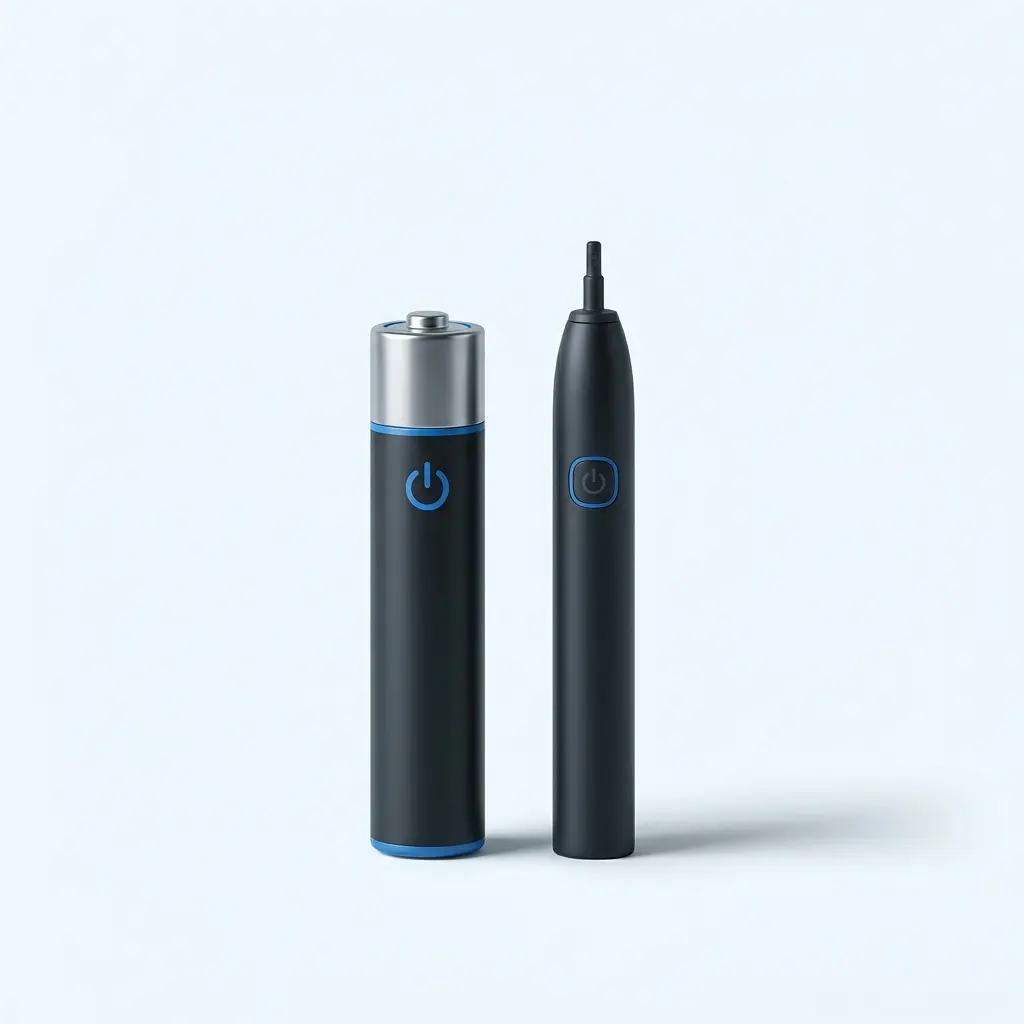
How Long Does a Quip Toothbrush Battery Last?
Short answer: about three months for the standard AAA model. In addition, Quip’s own support page confirms this figure directly.
Independent testing backs this up. TechGearLab ran a standard Quip past the 90-day mark and found it still going strong at well over 100 days. Therefore, the three-month claim looks conservative rather than optimistic.
Meanwhile, newer rechargeable Quip models work differently. The Ultra Lite line charges over USB instead. It runs for about 30 days per charge, closer to a typical Sonicare or Oral-B brush. So the number that matters depends on which Quip you own.
| Model | Typical Battery Life | Notes |
|---|---|---|
| Standard Quip (AAA) | About 3 months, per Quip | TechGearLab measured well over 100 days |
| Quip Ultra Lite (rechargeable) | About 30 days per charge | Charges in about 8 hours over USB |
| Oral-B Pro 1000 (for comparison) | About 7 to 10 days | Uses a built-in NiMH cell |
| Sonicare 4100 (for comparison) | Up to 14 days claimed | Often 8 to 10 days in real use |
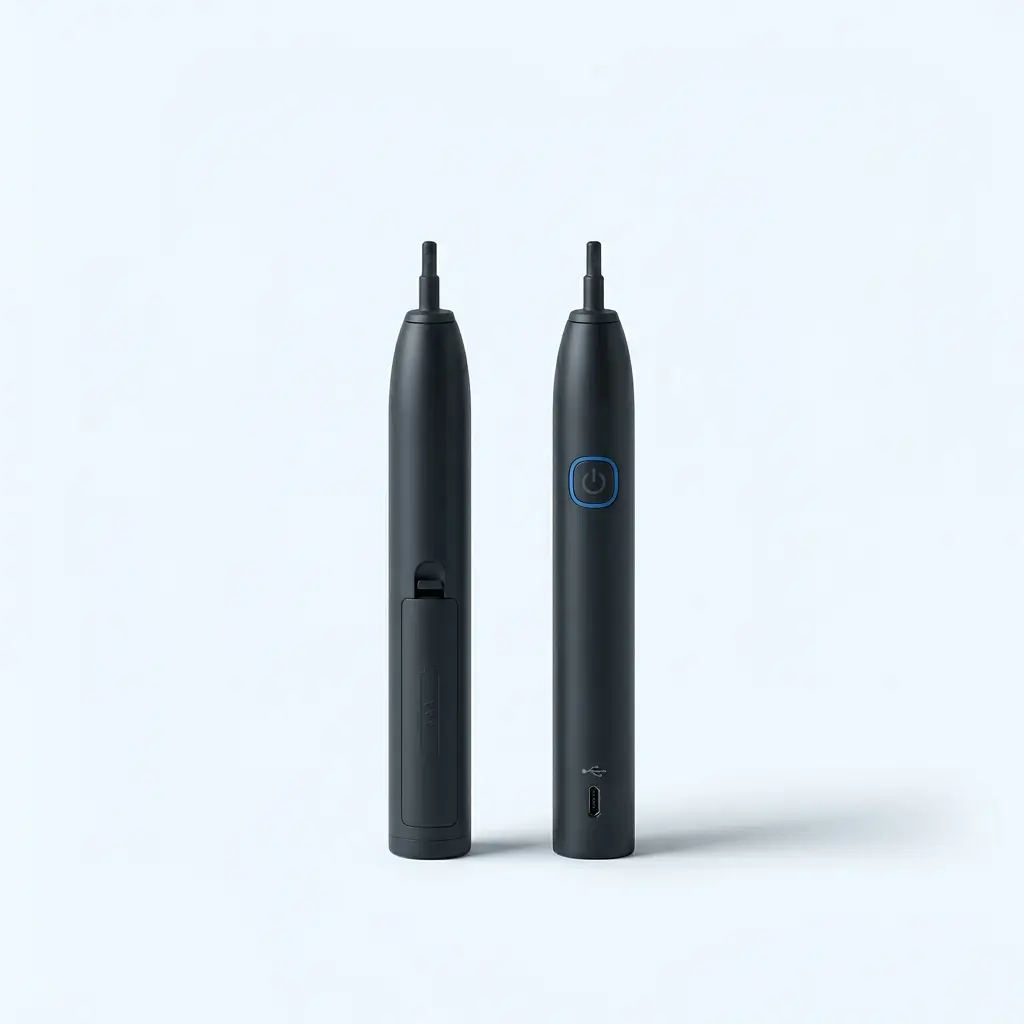
AAA vs Rechargeable: Which Quip Battery Type Do You Have?
Quip actually sells two different battery systems. Therefore, check which one you own before you buy a replacement.
The original Quip toothbrush battery is a single AAA cell that you can remove by hand. Meanwhile, the newer Ultra Lite version has a sealed rechargeable cell instead, charged through a USB port on the base.
You can tell them apart by looking at the handle. If you see a small battery door near the bottom, you likely own the AAA version. On the other hand, a USB charging port tells a different story. That instead means you own the rechargeable Ultra Lite model.
Signs Your Quip Battery Is Running Low
Short answer: there usually is not much warning. Indeed, unlike many rivals, the standard Quip has no battery indicator light.
TechAdvisor pointed out this exact gap in its review. Consequently, the brush tends to simply stop working one day, without a blinking light or a low-power buzz beforehand. Meanwhile, Quip’s subscription service tries to solve this by mailing a new battery alongside your quarterly brush head.
Even so, a few warning signs can help. First, weaker vibration than usual often signals a battery on its way out. Second, a shorter run time before the two-minute timer than you remember is another clue. Therefore, if either happens, swap the battery early rather than wait for a full stop.
How to Replace a Quip Toothbrush Battery
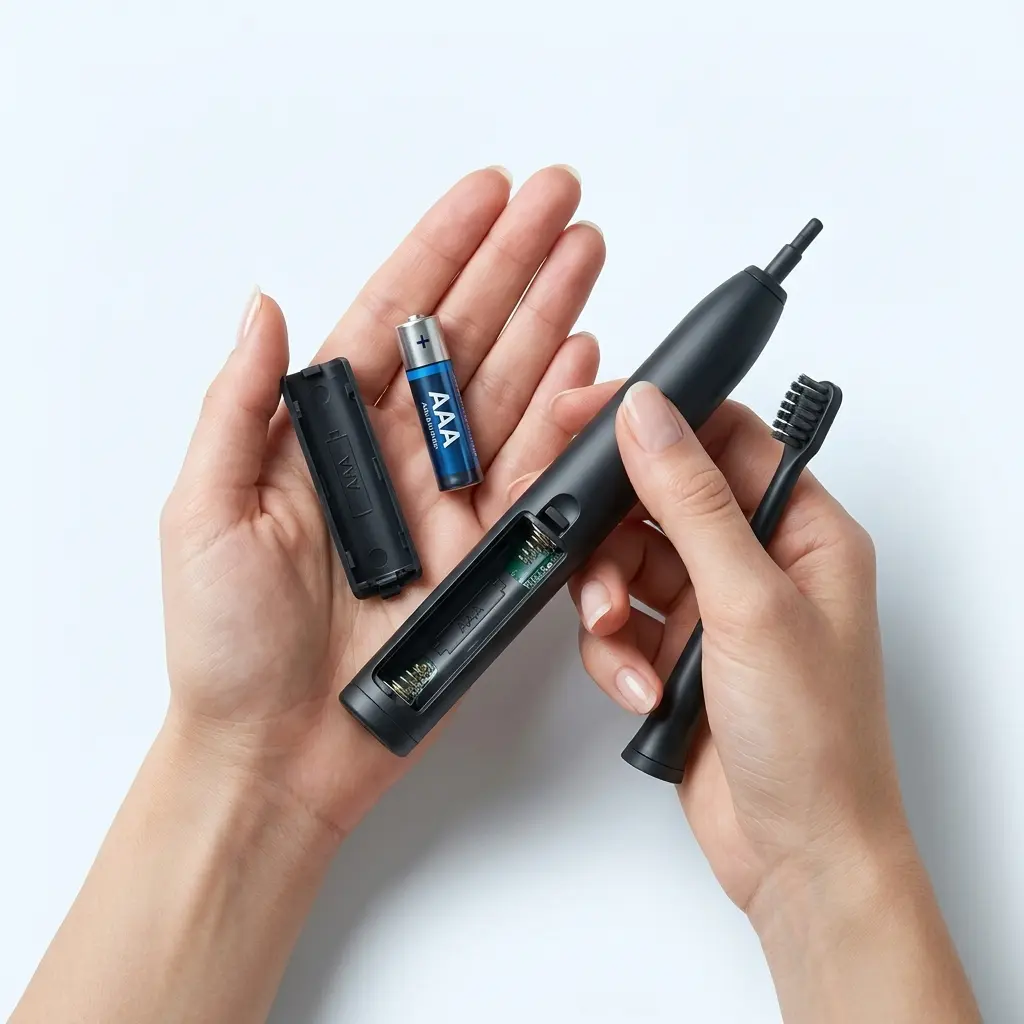
Good news: replacing a Quip toothbrush battery takes only a minute or two. Also, you need no tools beyond a fresh AAA battery. ToothFeed’s guide walks through the same steps in more detail.
- Remove the brush head by pulling it straight off the metal post.
- Pull out the motor unit, which sits just inside the handle.
- Flip the handle over and tap it gently into your palm to release the old battery.
- Check the battery compartment for the correct polarity markings.
- Insert a fresh AAA battery with the negative end facing down and the positive end facing up.
- Push the motor unit back into the handle until it clicks into place.
- Reattach the brush head, then press the power button to confirm it runs.
Tip: keep a spare AAA battery in your travel bag. That way, therefore, a dead battery on a trip never leaves you without a working brush.
Can You Use Rechargeable AAA Batteries in a Quip?
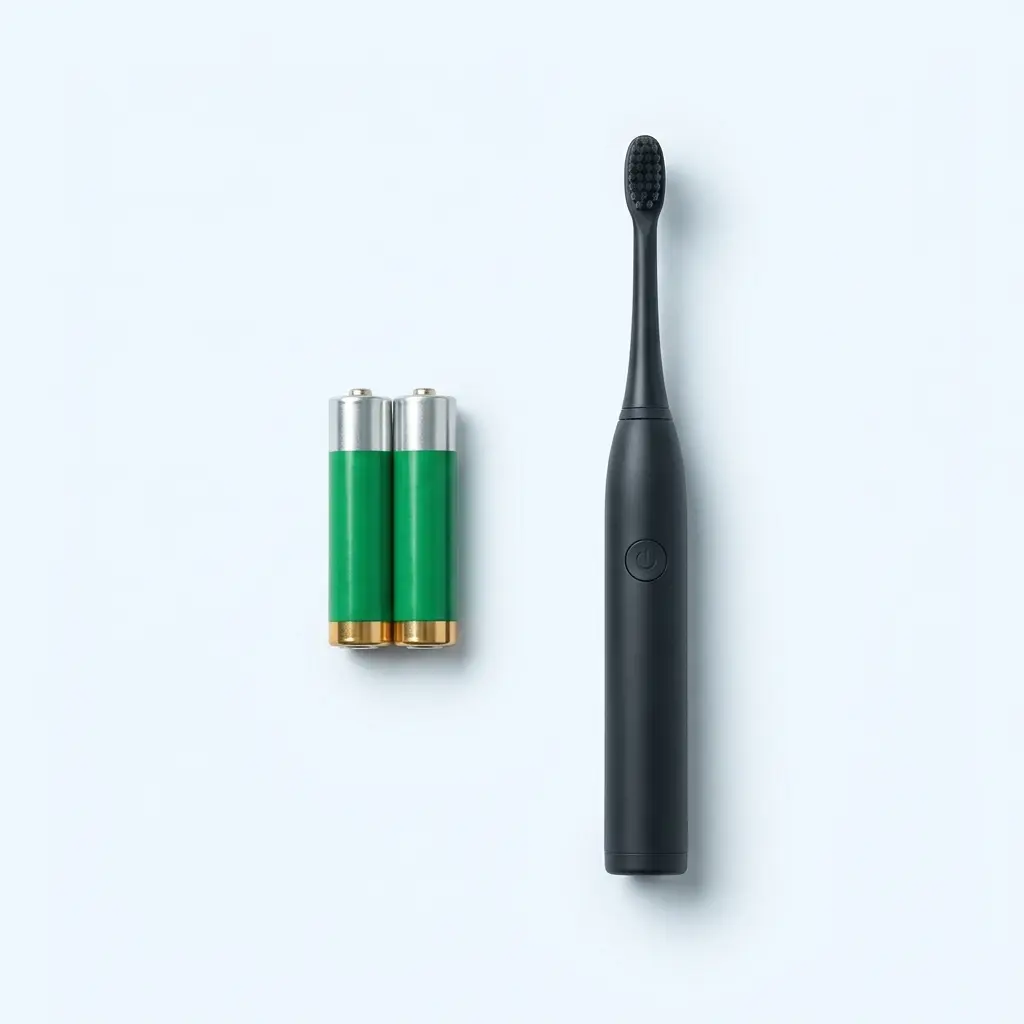
Yes, you can. According to Quip’s own help center, the brush runs on standard or rechargeable AAA cells equally well. Therefore, you are not locked into disposable batteries.
This matters for anyone who wants to cut down on battery waste. Instead of tossing a battery every three months, you can reuse a rechargeable AAA hundreds of times. However, expect a shorter run time per charge than the roughly 90 days a fresh alkaline AAA provides.
If you want to switch, simply contact Quip to opt out of battery refills in your subscription. Meanwhile, keep two rechargeable AAA cells in rotation, so one charges while the other powers your brush.
Quip Toothbrush Battery vs Other Electric Toothbrush Batteries
How does a Quip toothbrush battery stack up against rivals? Below, we compare it with two brushes we cover on this site. Because each brush uses a different power system, look at the row that matters most to you.
| Feature | Quip (AAA) | Oral-B Pro 1000 | Sonicare 4100 |
|---|---|---|---|
| Power source | Removable AAA battery | Built-in NiMH cell | Built-in rechargeable cell |
| Typical run time | About 3 months | About 7 to 10 days | Up to 14 days claimed |
| Charge method | Battery swap, no cord | Charging stand, about 22 hours | Charging stand, up to 24 hours |
| Low-battery warning | None on the standard model | Battery light on the handle | LED indicator on the handle |
| Best for | Simplicity and long trips | Budget buyers who charge often | Buyers who want a quiet, gentle clean |
In short, a Quip toothbrush battery wins on convenience for travel, since you never hunt for an outlet. However, a built-in rechargeable cell avoids ongoing battery costs entirely. Therefore, pick Quip if you travel often, and pick a rechargeable brush if you rarely leave home. See our full buying guide for more detail on the rechargeable options.
Tips to Make Your Quip Battery Last Longer
A few small habits can stretch every charge or battery further. Therefore, try the tips below.
- Keep a spare AAA battery in your travel bag or medicine cabinet
- Switch to rechargeable AAA cells to cut battery waste and cost
- Store the brush in a dry spot, since moisture can corrode the battery contacts
- Replace the battery early if vibration feels weaker than usual
- Wipe the battery contacts occasionally with a dry cloth to prevent buildup
Where to Buy Quip Battery and Brush Head Replacements
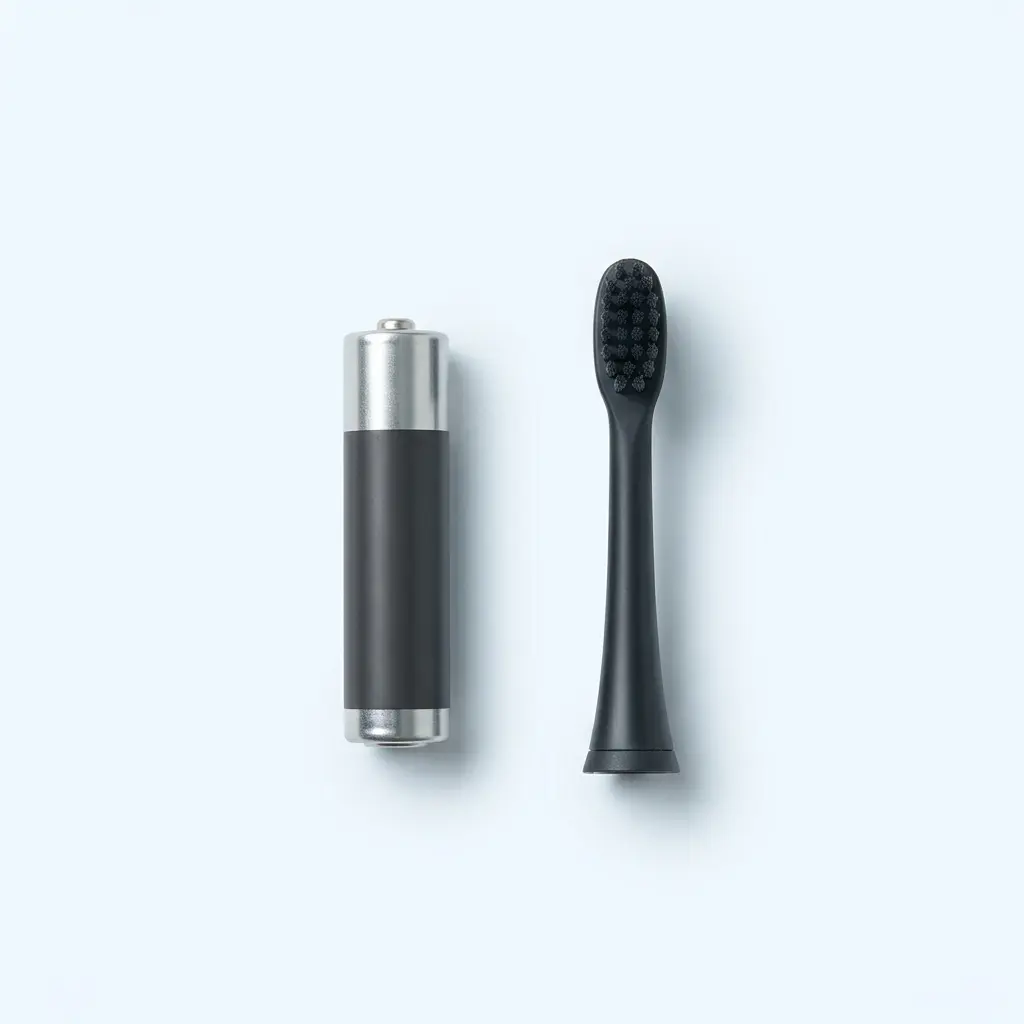
Replacement batteries and brush heads are easy to find. Quip sells both directly through its own subscription plan. Meanwhile, standard and rechargeable AAA batteries work just as well from any retailer.
If you would rather buy the toothbrush itself, several bundles include a spare battery and brush head already. So check the listing before you order a battery alone.
Quip Toothbrush Battery: FAQs
About three months for the standard AAA model, according to Quip’s own support page. Independent testing suggests this estimate is conservative. TechGearLab ran a standard Quip well past the 90-day mark and found it still working at over 100 days. Therefore, most people can expect close to three months of daily use from one AAA battery. Meanwhile, the newer rechargeable Ultra Lite model works differently, lasting about 30 days per charge instead.
The standard AAA model does not. TechAdvisor noted this gap directly in its review, since the brush simply stops one day without warning. However, weaker vibration or a shorter run time before the timer often signals a battery on its way out. Therefore, watch for those signs instead of waiting for a full stop. The newer rechargeable Ultra Lite model does include a charge indicator, unlike the original design.
Yes, you can. Quip’s own help center confirms the brush runs equally well on standard or rechargeable AAA cells. Therefore, you are not locked into disposable batteries if you prefer to cut down on waste. However, expect a shorter run time per charge than a fresh alkaline battery provides. If you want to switch permanently, contact Quip to opt out of battery refills in your subscription plan.
Pull off the brush head, then remove the motor unit from inside the handle. After that, tap the handle into your palm to release the old AAA battery. Insert a fresh battery with the correct polarity, negative end down and positive end up. Then push the motor back in and reattach the head. The whole process takes about a minute, and it needs no tools at all.
It depends on how you buy your batteries. A Quip subscription bundles a new battery with your brush head every three months, which adds a small ongoing cost. Meanwhile, a rechargeable brush like the Oral-B Pro 1000 or Sonicare 4100 has no battery to buy at all. Instead, it simply charges from an outlet. Therefore, a rechargeable brush often costs less over several years, though Quip’s upfront price tends to run lower.
In most cases, the battery has simply run out. Since the standard Quip has no warning light, it can stop with no notice at all. Therefore, try a fresh AAA battery first before assuming the brush itself is broken. If a new battery does not fix it, check the motor unit next. Make sure it sits correctly inside the handle, since a loose connection can also cause this.
The Bottom Line on Quip Toothbrush Batteries
A Quip toothbrush battery is built for simplicity. The standard AAA version lasts about three months, needs no cord, and travels anywhere without an outlet. Meanwhile, the newer rechargeable Ultra Lite model trades that convenience for a shorter, more familiar 30-day cycle.
Either way, replacing the battery takes only a minute once you know the steps above. If you would rather avoid battery changes altogether, consider a rechargeable brush instead. Both the Oral-B Pro 1000 and the Sonicare 4100 may suit you better.
Keep Reading on Syed Shoppe
Want more help choosing? Then try these pages, which are live now.