Charger Types: A Simple Guide to Cables, Bricks, and Wireless Pads
Learn which connector, wattage, and wireless standard fits your phone, so you never buy the wrong charger again.
Last updated: October 2026
Charger types confuse almost everyone at some point. Plugs changed, wattage numbers grew, and wireless pads added another layer. In fact, Anker’s charger guide lists USB-A, USB-C, Lightning, Micro-USB, and wireless options. As a result, the wrong charger can mean slow top-ups or no connection at all. This guide explains every type in plain language.
First, you will see a quick comparison table. Next, we cover wired and wireless options. Then you will learn how to match a charger to your phone. Want the wider picture? Our phone accessories buying guide covers cases, mounts, and more. Along the way, you will also see which certifications to trust.
Charger Types at a Glance: The Short Answer
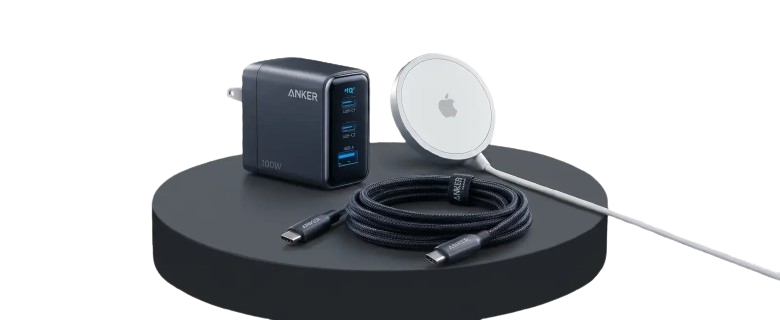
Charger types come down to three choices. First, pick the connector: USB-C, Lightning, or Micro-USB. Next, pick the power level, from basic 12W bricks to 100W-plus GaN chargers. Finally, decide between wired and wireless.
| Charger types | Typical power | Best for |
|---|---|---|
| USB-C with Power Delivery | 20W to 100W, up to 240W with a special cable | Modern phones, tablets, and laptops |
| Lightning with a USB-A brick | About 12W | Older iPhones |
| Micro-USB | Up to about 15W, no Power Delivery | Older Android phones and accessories |
| MagSafe | Up to 15W | iPhone 12 and newer |
| Qi2 wireless | Up to 15W with certified chargers | Android and iPhone with magnets |
| GaN multi-port | 100W and up | Desks and travel with many devices |
| Car charger | Up to 65W | Road trips and daily commutes |
Figures come from manufacturer guides. Your phone sets its own charging limit, so check its specs.
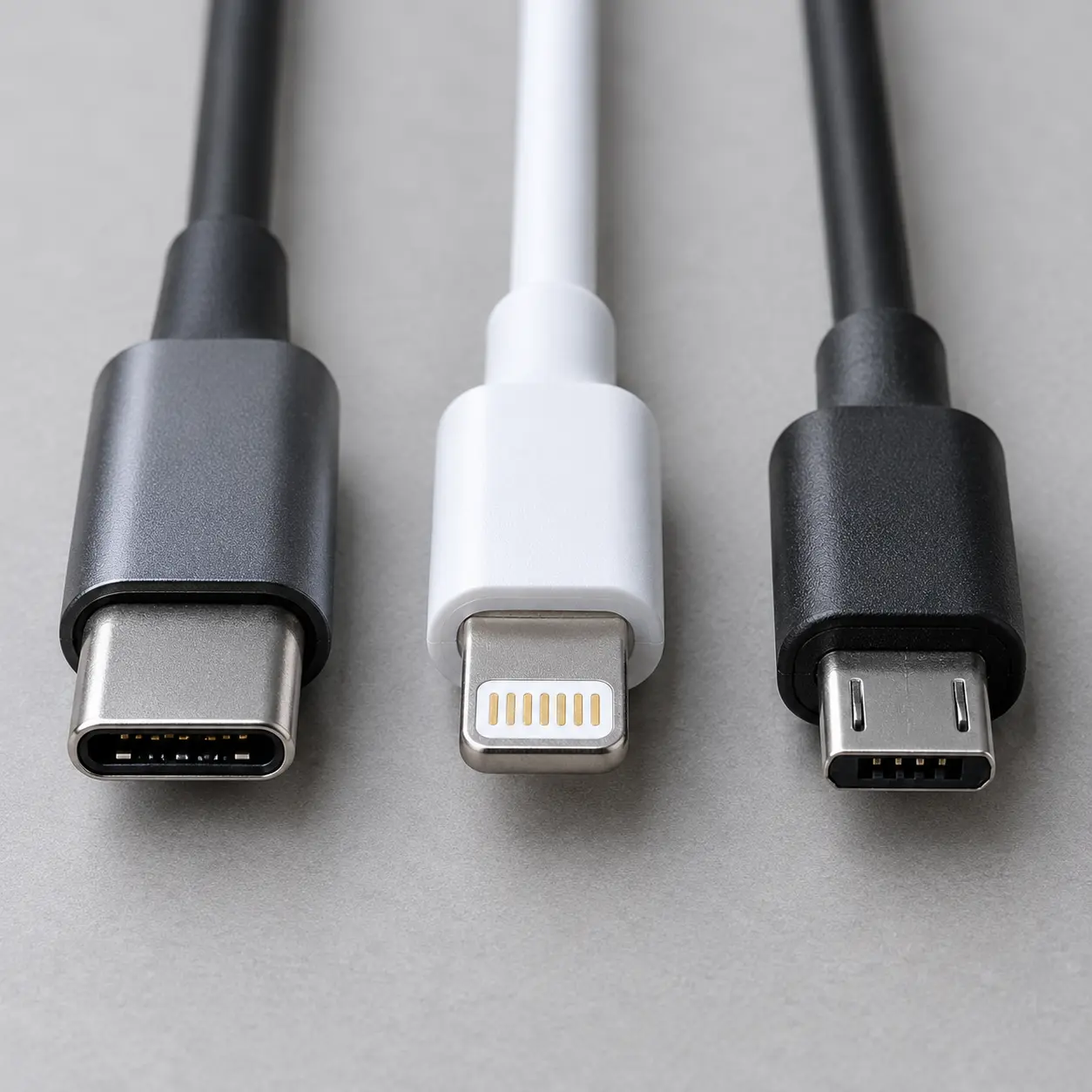
Wired Charger Types: USB-C, Lightning, and Micro-USB
Wired charger types differ mainly by connector. USB-C is the modern standard, while Lightning and Micro-USB linger on older devices. In addition, the power a cable delivers depends on the brick you pair it with. For example, a 30W USB-C adapter can take a compatible phone from 0% to 50% in about 25 minutes.
- USB-C: with Power Delivery it carries 20W to 100W, and up to 240W with the right cable
- Lightning: Apple's older connector, giving roughly 12W with a USB-A brick
- Micro-USB: common on budget phones, headphones, and power banks, with no Power Delivery
- USB-A: the rectangular plug on older bricks, which works with several cable ends
Types of Chargers by Power: Bricks, GaN, and Multi-Port
Types of chargers also differ by power. Basic bricks suit overnight charging. Meanwhile, GaN chargers pack more power into smaller bodies, and multi-port models charge several devices at once. For example, Anker lists 100W three-port and 200W six-port GaN options. However, your phone only draws what it supports.
- Basic bricks: low power, low cost, and fine for overnight top-ups
- GaN chargers: compact bodies with higher wattage for phones and laptops
- Multi-port chargers: one wall plug for a phone, tablet, and earbuds case
Wireless Charger Types: Qi, MagSafe, and Qi2
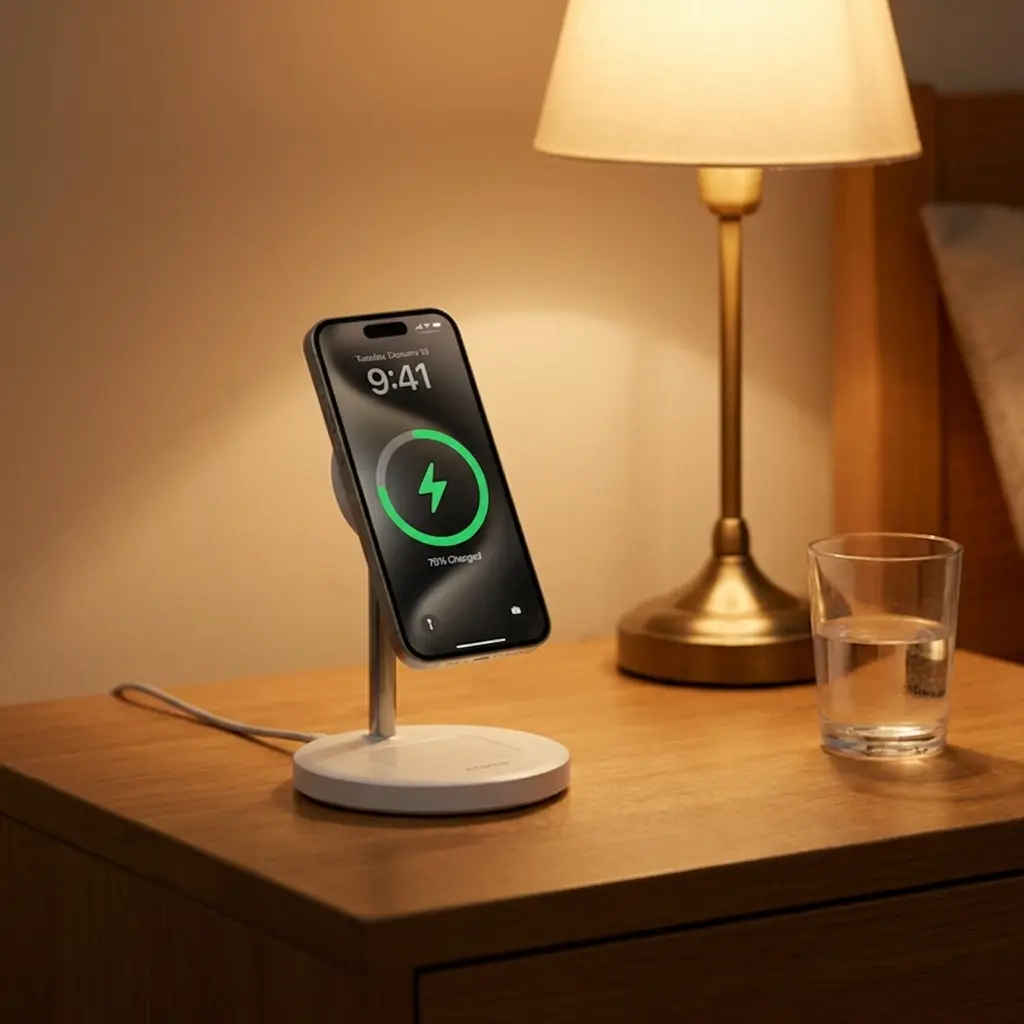
Wireless charger types include Qi pads, MagSafe, and Qi2. Qi pads send power through coils in the back of your phone. MagSafe adds magnets for alignment and delivers up to 15W on iPhone 12 through 16. Meanwhile, Qi2 brings MagSafe-style magnets to other phones. Even so, wired charging is still faster overall.
- Qi pads: simple and widely supported, but alignment matters
- MagSafe: magnets lock the phone in place for steadier charging
- Qi2: an open standard that brings magnets to Android and third-party chargers
Different Types of Chargers for Home, Travel, and the Car
Different types of chargers fit different moments. A desk needs power and a stand, while a road trip needs something small and tough. Therefore, match the charger to where you use your phone most.
- Home: a higher-wattage USB-C brick or a multi-port GaN block
- Travel: a compact GaN charger plus one USB-C cable
- Car: a car charger, with some models delivering up to 65W
- Nightstand: a Qi2 stand or a multi-device charging station
- On the go: a power bank with USB-A, USB-C, or wireless output
How to Choose Among Phone Charger Types
Follow these five steps to choose among phone charger types without guessing.
- Check your phone's port: USB-C, Lightning, or Micro-USB
- Look up the wattage and fast-charging standard it supports, such as PD, PPS, or Quick Charge
- Match the cable to both ends and to the power level you want
- Pick a form: wall brick, GaN block, car charger, or wireless pad
- Choose certified products, such as MFi, USB-IF, or Qi2
Charger Types and Safety: Certifications to Look For
Charger types matter for safety as well as speed. Certified accessories manage heat and voltage more safely. Because chargers touch your phone’s battery, spend a little more on certified products. Check iPhone-specific options in Croma’s iPhone charger guide if you use Apple devices.
- MFi certified: approved by Apple for safe charging speeds and data transfer
- USB-IF certified: verified for spec-compliant USB-C output
- Qi2 certified: tested for magnetic wireless charging with supported phones
Common Charger Mistakes to Avoid
- Using a frayed or uncertified cable
- Expecting 100W speeds from a phone that supports 20W
- Buying a charger that lacks your phone's fast-charging standard
- Mixing up cable ends, such as USB-A to USB-C
- Leaving a phone misaligned on a wireless pad
- Choosing the cheapest brick for a power-hungry device
Frequently Asked Questions
Usually yes, but speed varies. A charger that fits your port will work, yet only a compatible fast-charging standard delivers top speed. Therefore, check your phone’s wattage and standard first.
No. Your phone and charger communicate, so the phone draws only the power it supports. Among charger types, GaN models make extra wattage useful for laptops and tablets.
Usually yes. Wired charging is still faster overall, although MagSafe and Qi2 close the gap with up to 15W.
USB-C is the modern, universal connector, and it supports Power Delivery for higher wattage. Lightning is Apple’s older connector, mostly found on earlier iPhones. For most buyers, USB-C is the safest long-term bet among charger types.
Certification is a smart safety signal. These marks show a charger meets safety and compatibility checks, so heat and voltage stay in range.
Qi2 is an open standard that brings MagSafe-style magnets to more phones. It aligns the phone to the charger and supports up to 15W with certified products.
Final Summary: Charger Types Made Simple
Charger types are simple once you match three things: connector, wattage, and wired or wireless. First, check your phone’s port. Second, confirm its fast-charging standard. Finally, buy a certified charger from a trusted brand.
Keep Reading
Chargers, stands, cases, and more in one place.
Find a watch that fits your phone and routine.