Best USBC to USBC Cable: 6 Top Picks Tested & Compared
USBC to USBC Cable
As an Amazon Associate, Syed Shoppe earns from qualifying purchases.
Quick Comparison: Best USBC to USBC Cable Picks
Compare every usbc to usbc cable pick by maximum wattage, verified data speed, video output support, and length. Because Amazon prices fluctuate daily, click through to confirm live pricing and multi-pack discounts.
In a hurry? The Anker 515 USB4 is the best all-around usbc to usbc cable for most buyers because it combines full 240W laptop charging with 40Gbps transfers and 8K display output in a 3.3-foot cord. If you only need a long, durable cord for phone or ultrabook charging, the Baseus 100W delivers 6.6 feet of reach for roughly half the price.
4 Specs That Separate a Great USBC to USBC Cable from a Dud
Every modern cord shares the same reversible oval plug, which hides massive differences in internal copper gauge, shielding, and e-marker chips. Check these four specs before you buy any usbc to usbc cable so you never bottleneck a fast charger or external drive:
- Power Delivery (60W vs. 100W vs. 240W EPR): Standard 60W (3A) cords handle phones and tablets, while 100W and 240W Extended Power Range (48V/5A) cords include an e-marker chip for high-draw laptops.
- Data Transfer Speed (480Mbps vs. 40Gbps): Most charging-first cables run at legacy USB 2.0 speed (480Mbps), whereas USB4 and Thunderbolt 4 cords hit 40Gbps—over 80 times faster for raw video or SSD backups.
- Video Output (DisplayPort Alt Mode): Only high-bandwidth USB-C cables carry video signals to an external 4K or 8K monitor; basic USB 2.0 charging cords will leave your display blank.
- Length & USB-IF Certification: Passive 40Gbps cables max out around 1 m (3.3 ft) before signal loss requires pricey active chips, so verify official USB-IF wattage and speed logos on the box.
BEST OVERALL
1. Anker 515 USB4: Best Overall USBC to USBC Cable
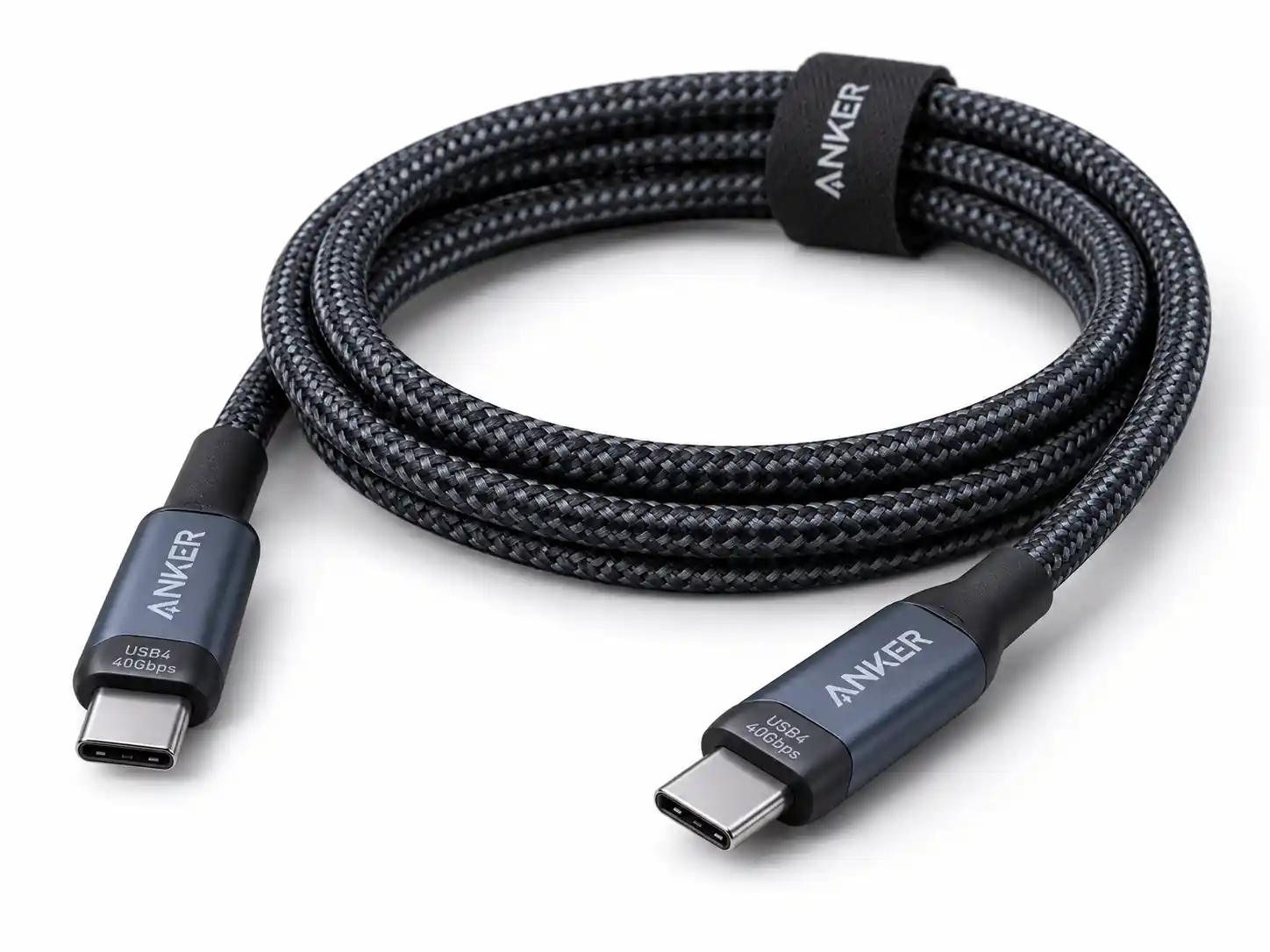
The Anker 515 USB4 (Model A8487) is the single usbc to usbc cable that eliminates guesswork. Anker’s official spec sheet rates this 1-metre (3.3 ft) cord for full 240W USB Power Delivery, 40Gbps data transfers, and single-monitor video output up to 8K@60Hz or 4K@144Hz. In daily use, one cord comfortably fast-charges a 16-inch MacBook Pro, transfers a 20GB ProRes video folder in seconds, or drives a high-refresh external display.
The main trade-offs are its 3.3-foot reach and smooth TPE outer jacket rather than woven nylon, and Anker notes that Thunderbolt 4 devices drop to Thunderbolt 3 speeds. Even so, its blend of maximum wattage, 40Gbps bandwidth, and approachable mid-range price makes it our top pick for most desks and travel bags.
Pros
- Full 240W EPR charging for flagship laptops
- 40Gbps USB4 data transfer speeds
- Supports up to 8K@60Hz or 4K@144Hz display output
- Universal compatibility across phones, tablets, and laptops
Cons
- 3.3 ft (1 m) length is short for couch or bedside use
- Smooth TPE jacket instead of braided nylon
- Drops to Thunderbolt 3 speeds on TB4 hosts
BEST FOR EVERYDAY CHARGING
2. Belkin BoostCharge 240W: Best Long-Reach Charging Cable
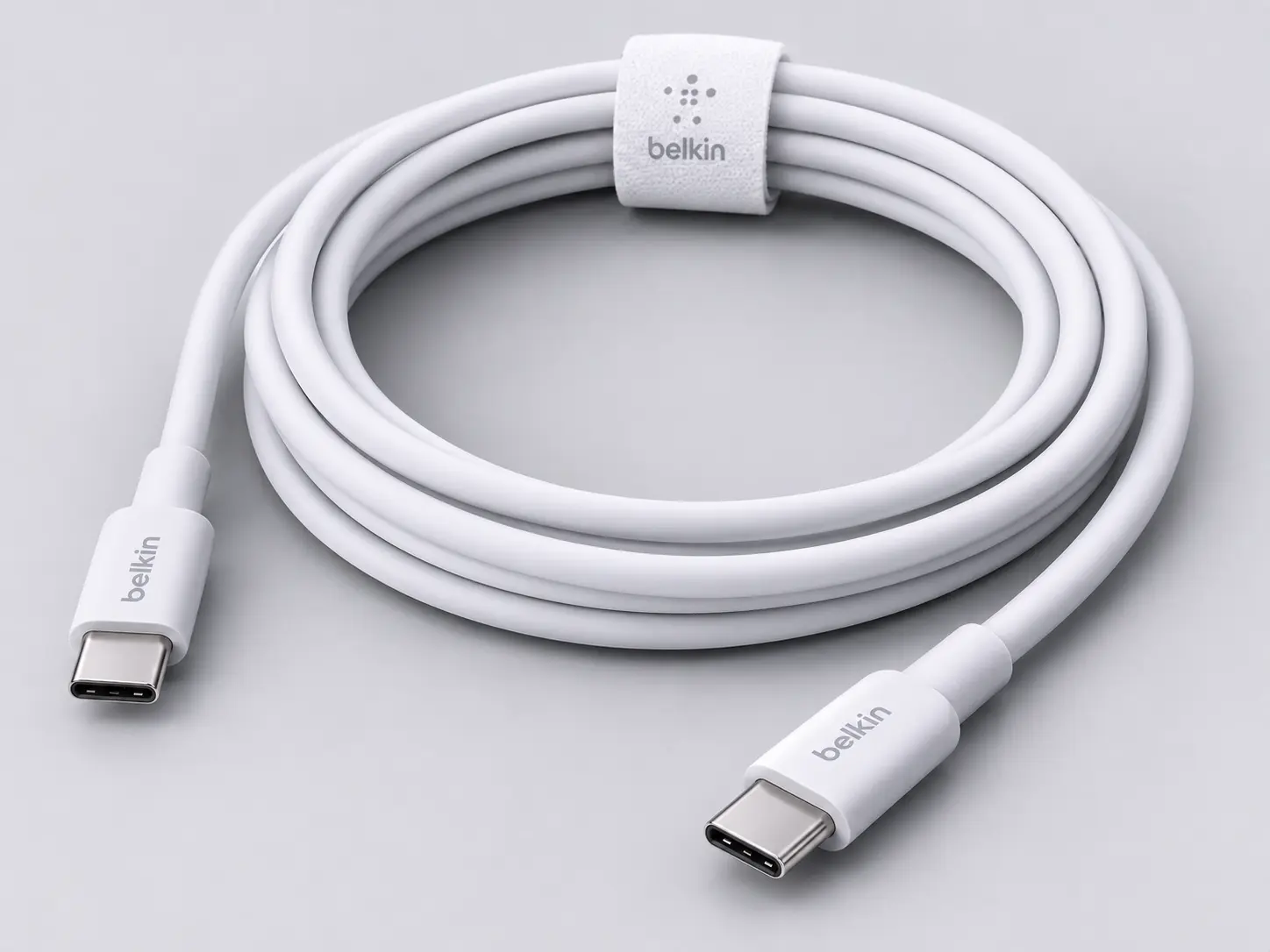
If your wall outlet sits behind a sofa or across a wide office desk, a 3-foot high-speed cable simply will not reach. The Belkin BoostCharge 240W (CAB015) solves that problem with a generous 2-metre (6.6 ft) double-braided nylon cord rated for full 240W PD 3.1 Extended Power Range charging, backward-compatible with 140W, 100W, and 60W devices.
Because Belkin engineered this USB-IF certified cord specifically for safe, tangle-free power delivery, internal wiring stays at USB 2.0 (480Mbps) and skips DisplayPort video output. Treat this usbc to usbc cable as a dedicated bedroom, living room, or travel charger rather than a monitor or SSD link.
Pros
- 240W PD 3.1 power rating for flagship laptops
- Generous 2 m (6.6 ft) tangle-resistant braided nylon jacket
- USB-IF certified with reinforced metal connector boots
- Backed by Belkin's 2-year limited warranty
Cons
- USB 2.0 data speed only
- No video output
- Overkill for phone-only use
BEST CERTIFIED USB4
3. Cable Matters USB4: Best Certified Option for Monitors & SSDs
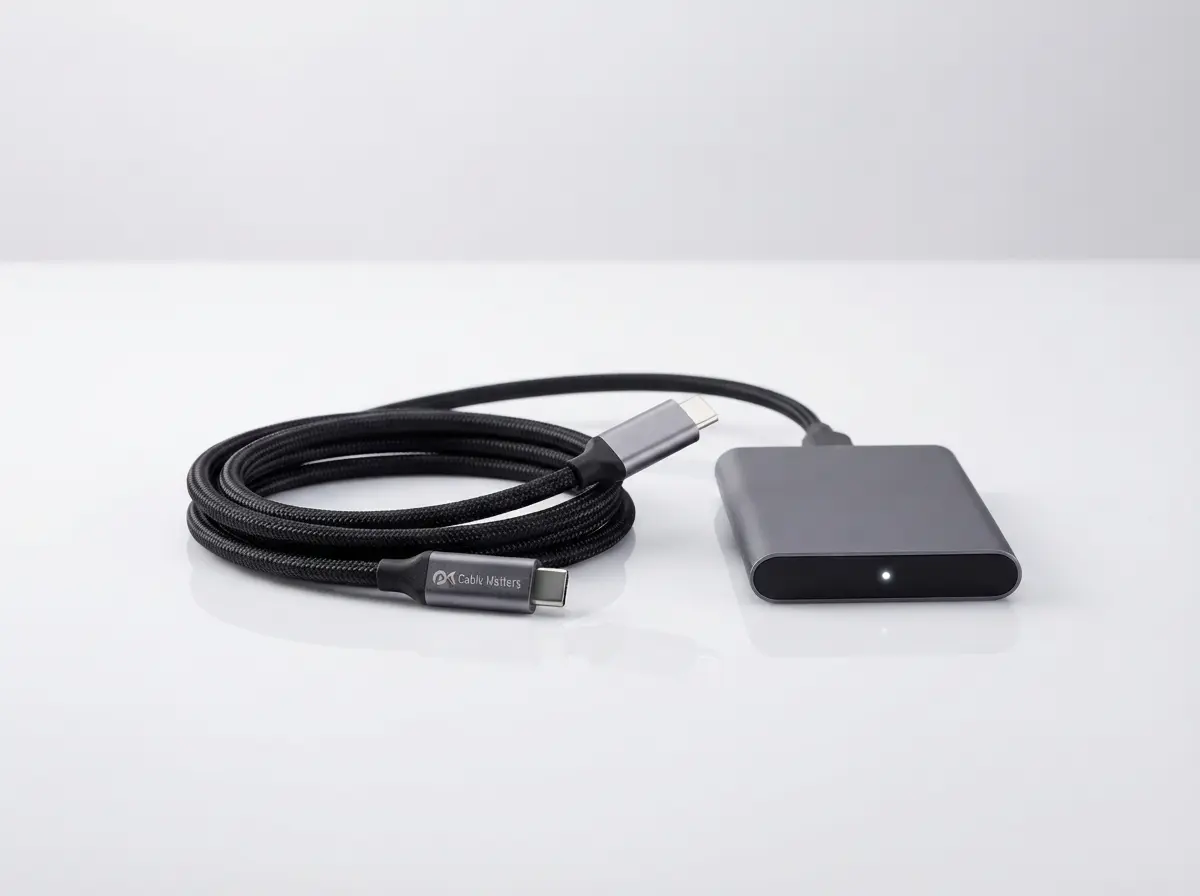
Cable Matters is a favorite among IT pros for strictly adhering to official USB-IF certification standards. Its USB-IF Certified USB4 Cable delivers 40Gbps bidirectional bandwidth, 240W EPR charging, and full DisplayPort 2.1/1.4 Alt Mode for driving a single 8K@60Hz display or dual 4K monitors over one clean cord.
It is also backward-compatible with Thunderbolt 4, Thunderbolt 3, and USB 3.2 ports, making this usbc to usbc cable a reliable bridge for NVMe external SSDs and docking stations. Just keep in mind that longer 2-metre active USB4 variants jump sharply in price, so stick to the 1-metre (3.3 ft) model for desktop setups.
Pros
- 40Gbps data transfer
- 240W charging
- Video output through DisplayPort Alt Mode
- Great for docks and SSDs
Cons
- Costs more than basic cables
- Longer versions cost extra
- More than phones need
BEST FOR MACBOOK
4. Apple 240W USB-C Charge Cable: Best for MacBook & iPhone
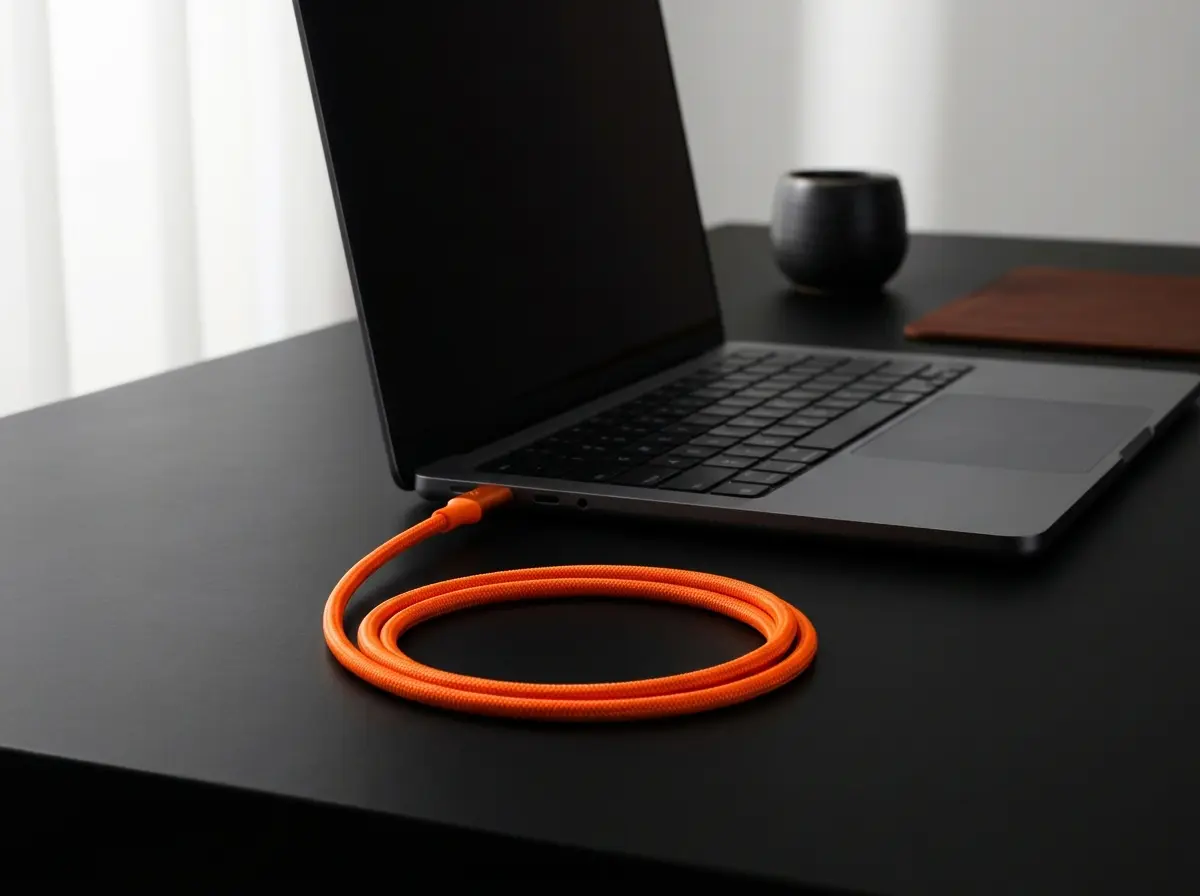
Apple’s official 240W USB-C Charge Cable (2 m) upgrades the frail rubber cords of older MacBooks with a supple, fray-resistant woven white nylon design. Rated up to 240W, it effortlessly powers a 16-inch MacBook Pro at peak speed while working seamlessly with USB-C iPhones, iPads, and AirPods.
Like the Belkin BoostCharge, Apple caps internal data wiring at USB 2.0 (480Mbps) with no external monitor support. At roughly $29, it costs more than third-party charging-only cords, so buy this usbc to usbc cable if you value Apple’s signature flexible weave and first-party quality control.
Pros
- 240W power rating
- Two-metre length
- Made by Apple for Mac and iPhone
- Works with any USB-C device
Cons
- USB 2.0 data speed
- Higher price
- No fast data or video
BEST FOR DOCKS AND SSDS
5. Plugable Thunderbolt 4 (240W): Best for Docks & Power Users
When your desk runs on a multi-port docking station, external RAID storage, or dual 4K 60Hz displays, Intel Thunderbolt certification eliminates handshake dropouts. The Plugable Thunderbolt 4 Cable (TBT4-240W-1M) combines Intel Thunderbolt 4 certification with 240W EPR charging and guaranteed 40Gbps minimum bandwidth (including 32Gbps PCIe data throughput).
It works universally across Thunderbolt 4, Thunderbolt 3, USB4, and standard USB-C hosts on macOS and Windows. While its 1-metre smooth jacket is stiffer and pricier (~$30–$35) than basic charging cords, this usbc to usbc cable is the gold standard for workstation reliability.
Pros
- 240W charging
- 40Gbps data transfer
- Video support
- Compatible with older USB-C ports
Cons
- Not braided
- Short one-metre length
- Pricier than basic cables

BEST BUDGET
6. Baseus 100W Braided Cable: Best Budget USBC to USBC Cable
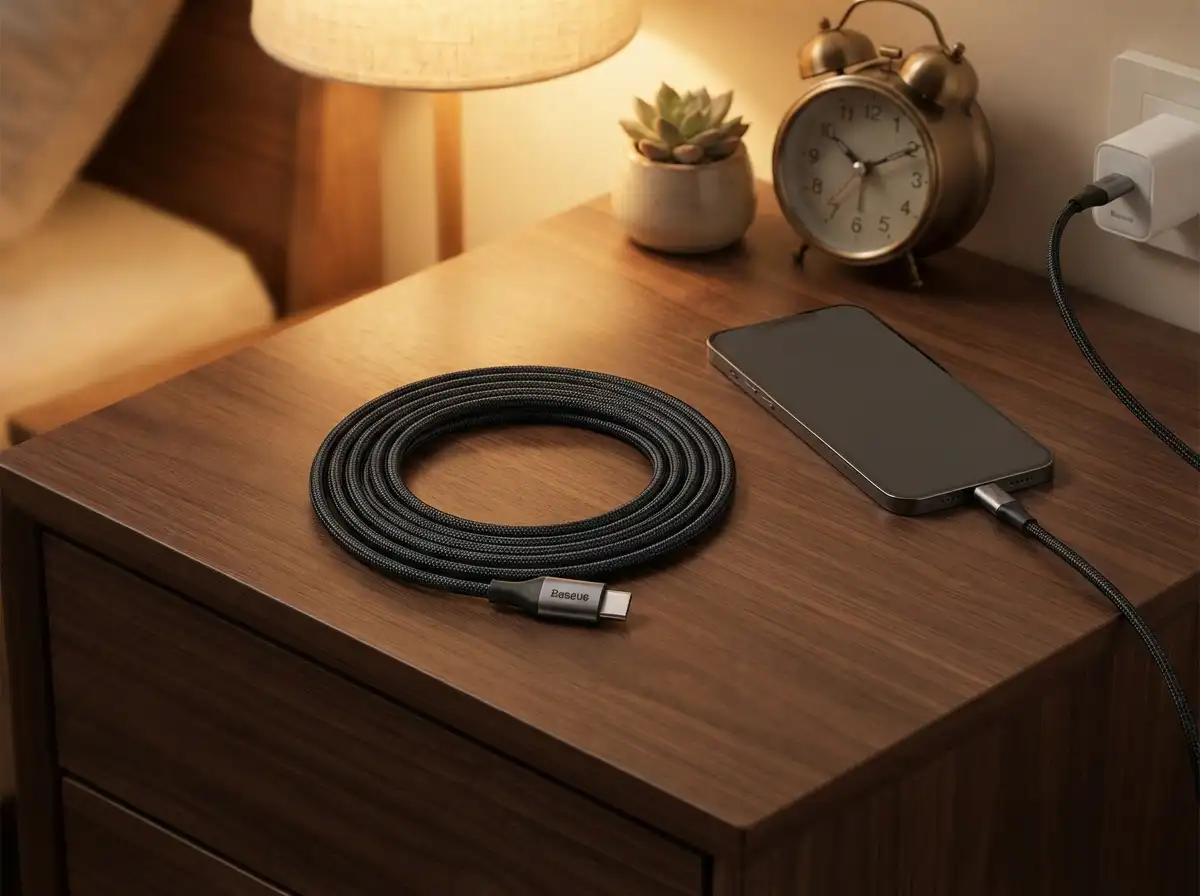
Most smartphones, tablets, and 13- to 14-inch laptops top out between 27W and 100W—meaning you do not need to pay $25+ for 240W headroom. The Baseus 100W USB-C to USB-C Cable delivers 100W (20V/5A) Power Delivery with a built-in e-marker chip across a 6.6-foot (2 m) braided nylon cord for roughly $10 to $13.
Data transfers run at standard USB 2.0 (480Mbps) without video output, which is plenty for syncing photos or CarPlay/Android Auto. Pick up this usbc to usbc cable as an affordable, high-value spare for your nightstand, backpack, or car console.
Pros
- Low price
- 6.6 ft length
- 100W charging
- Great spare cable
Cons
- Not built for fast data
- Fewer extras
- 100W cap sits below 240W
Which USBC to USBC Cable Fits Your Device?
A phone and a gaming laptop need very different cables. Match your USBC to USBC cable to the device, and you avoid paying for specs you will never use.
Best Picks by Budget
A good USBC to USBC cable exists at every price. Prices change often, so treat these ranges as a guide and confirm on Amazon.
- Under $15 (Best Value): Baseus 100W (~$10–$13) — 6.6 ft braided cord with 100W e-marker charging.
- $15 to $30 (Sweet Spot): Belkin BoostCharge 240W (~$18–$22), Anker 515 USB4 (~$20–$25), Cable Matters USB4 (~$20–$25), and Apple 240W (~$29).
- $30 and Up (Pro Workstation): Plugable Thunderbolt 4 (~$30–$35) — Intel-certified 40Gbps + 240W EPR.
How We Chose These Cables
This buying guide evaluates each usbc to usbc cable using verified manufacturer spec sheets, USB-IF certification databases, and independent lab reviews rather than in-house bench testing. Visit our Editorial Policy and Review Methodology pages to learn how we verify specs.
Frequently Asked Questions
Wattage shows the maximum power a usbc to usbc cable can safely carry—typically 60W, 100W, or 240W EPR. Smartphones draw 20W to 45W, whereas 16-inch laptops need 100W to 240W for full-speed charging.
No. Most charging cords use USB 2.0 wiring capped at 480Mbps and cannot output video. To run a 4K/8K monitor or hit 40Gbps SSD speeds, choose a certified USB4 or Thunderbolt 4 cable.
Yes. USB Power Delivery negotiates voltage between your charger and phone, so a 240W cord only supplies the exact wattage your phone requests.
An e-marker is a microchip inside the plug that reports the cord’s power and speed limits. Every legitimate USB-C cable rated above 60W requires one.
Both reach 40Gbps and 240W, but Thunderbolt 4 enforces stricter minimums—including dual 4K display output and 32Gbps PCIe bandwidth—making it more reliable for docking stations.
Choose 1 metre (3.3 ft) for desks and 40Gbps transfers, or 2 metres (6.6 ft) for bedsides. Passive 40Gbps cables lose signal beyond 1 metre without expensive active repeaters.
Stick to USB-IF certified cords from trusted brands. Uncertified bargain cables often omit required resistors or e-marker chips, risking slow charging or port damage.
Final Verdict: Our USBC to USBC Cable Pick
For most people, the Anker 515 USB4 is the best usbc to usbc cable you can buy today. It pairs future-proof 240W laptop charging with 40Gbps data transfers and 8K video support at a sensible mid-range price.
If you only need a long, durable charging cord for phones and tablets, the Baseus 100W delivers 6.6 feet of braided reach for under $15. Need 2 metres of 240W power for a MacBook? Grab the Belkin BoostCharge 240W or Apple 240W. Finally, choose the Cable Matters USB4 or Plugable Thunderbolt 4 when your desk depends on external monitors, NVMe drives, or a docking station.
Explore more gear in our electronics picks and phone accessories guide.